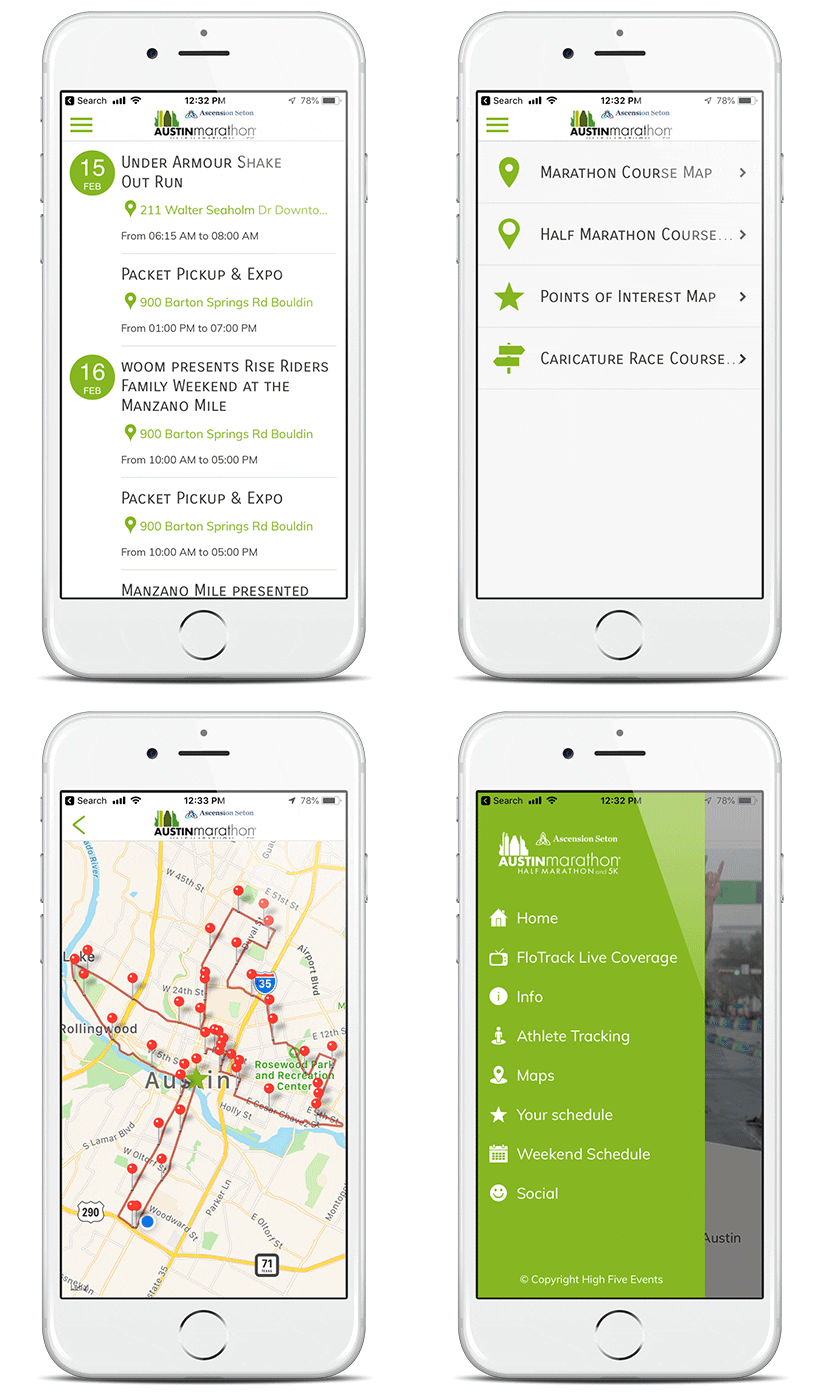

Austin Marathon Mobile App
Mobile web apps work on all mobile devices.
To save to your home screen on , just follow these quick steps 👇
-
Open the mobile web app in a browser.
-
Tap the Share icon at the bottom of the screen (the square with the arrow pointing up).
-
Scroll down or expand until you see Add to Home Screen.
-
Edit the name if you want, then tap Add.
-
Boom 💥 The app icon now lives on your home screen like a native app—one tap access, no App Store required.